PP3 – You are now this door’s emergency contact.
Posted: December 18, 2025 Filed under: Uncategorized Leave a comment »Our Pressure Project 3 came with a pleasant surprise.
PP3: A Secret is Revealed. Your task is to create a experiental system that has a secret that a user(s) can reveal. Perhaps something delightful or something shocking.
Required resources:
Isadora, A MakeyMakey
Excluded resources: Keyboard & Mouse.
You may use up to 8 hours.
I lit up with joy to read that our Pressure Project included a MakeyMakey. Since being introduced to it by our course instructor Alex, MakeyMakey became a tool that I started excitedly explaining to anybody who listened. With this delight, I wanted to create something that would reflect my sense of humor within this experiential media system.

I created a system where one person would be interacting with it at a time. To complete the circuit that would make the MakeyMakey work as a keyboard, I needed the user to hold one of the cables throughout the experience. But I was also designing this experience with a handwriting component. To facilitate ease and flow of the experience, I needed the user’s dominant hand to be available to write.
The other end of the cable needed to be connected to something that would complete MakeyMakey’s circuit. I was interested in creating the experience as a ‘journey’, ‘a travel’, ‘a passage’, so I decided to work with images three different doors that would lead the user to three different outcomes without them knowing what comes next. With this door concept, I thought, what better way to complete the circuit with a key that they would need to touch to interact with the doors, so I connected one of the cables of the MakeyMakey to a key. I programmed an Isadora patch where scenes would be triggered with a Keyboard Watcher. Because my computer thought that I would be pressing a button on my keyboard when the MakeyMakey was connected to it, my key became my KEYboard.
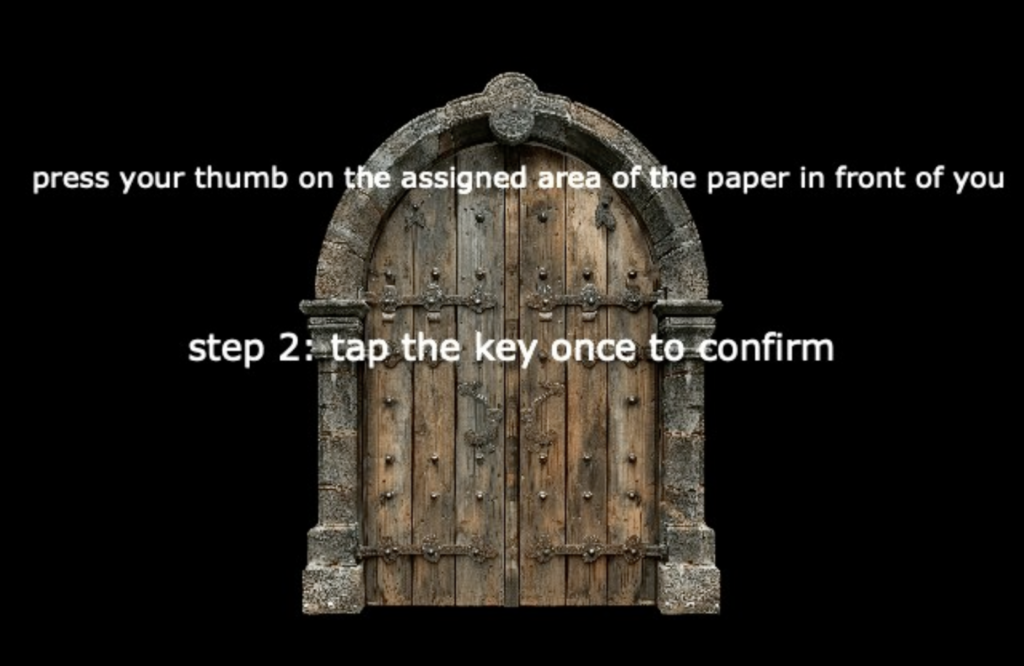
In devising this experience, I also wanted an analog part that would make the experience feel more realistic. I prepared and placed 3 papers on top of each other in front of the user. The first one was an image of a fingerprint, which the user would be prompted by the door on the screen to touch. There was no automated connection between the paper and the screen but the user did not know that.

When the user touched the key to confirm, Isadora went to the next scene in my patch.

My system did not actually record the user’s or anybody else’s fingerprint to its database. But with the confusion and hesitation of a user’s thought process in encountering this “Wait I really did press my thumb there. What is happening?” mixes with the silliness of the “Very Important Finger” text.
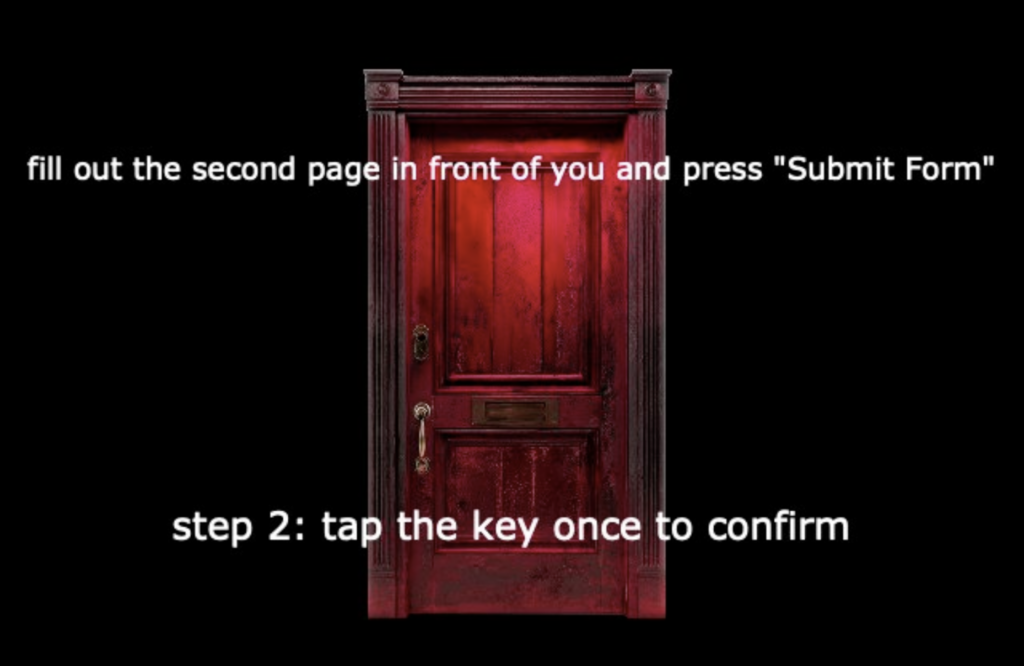
Once their fingerprint has been successfully confirmed, another door (another scene in my Isadora patch) appears. The second page mentioned in this scene is the form below:

Once the user fills out the form manually and presses “Submit Form” which doesn’t trigger anything on my patch but affects the user’s experience, the user touches the key that triggers the next scene on my patch.
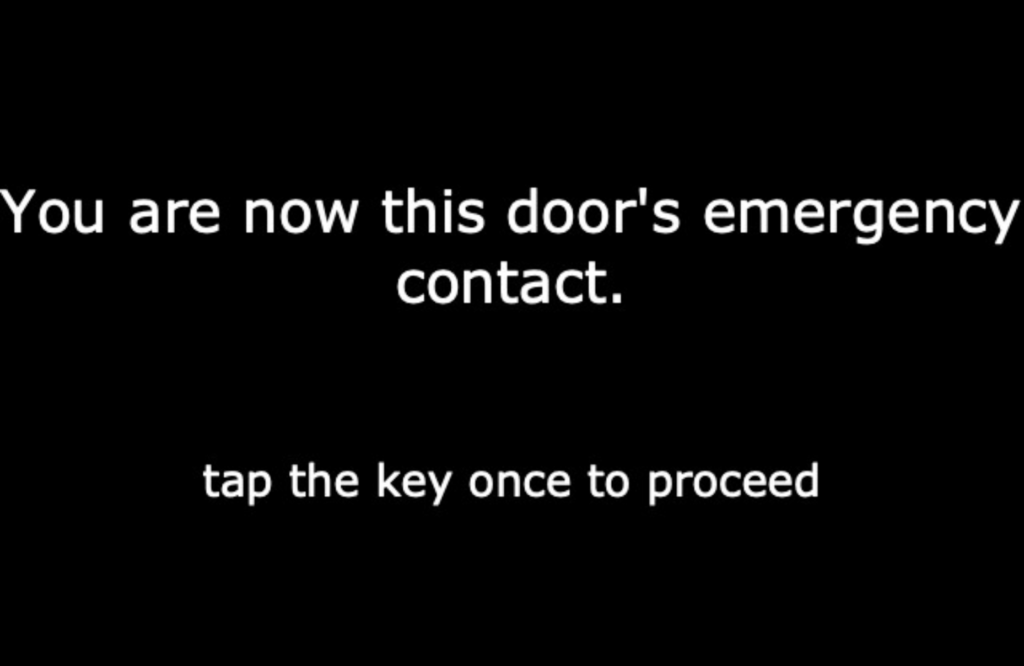
Secrets kept getting revealed as the user kept interacting with the system with their personal information that leads to unexpected outcomes – which I found delightful.
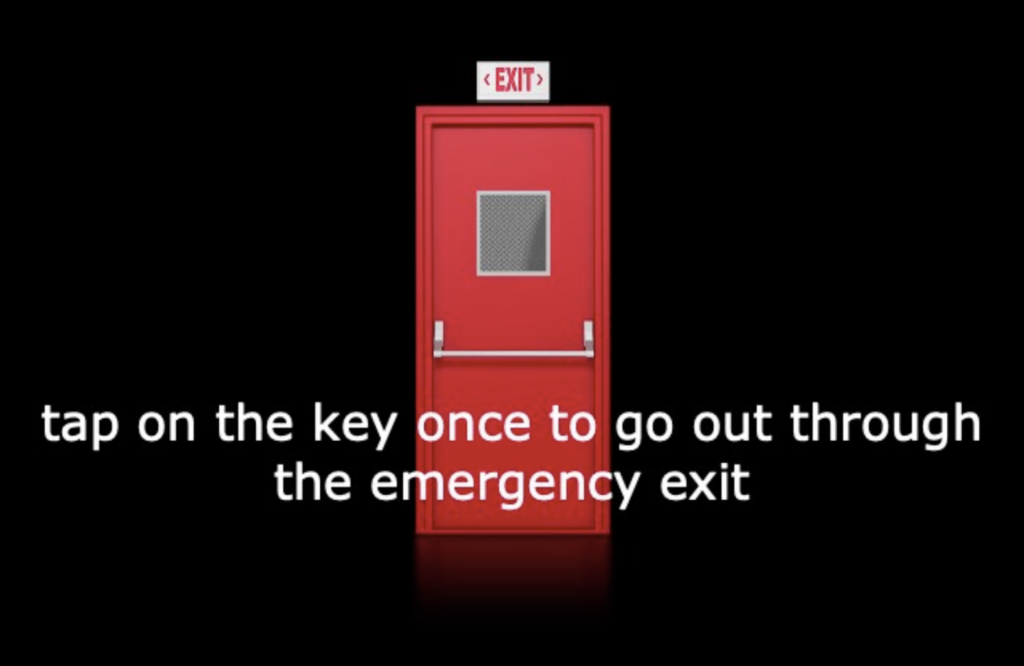
After filling out the Emergency Contact Form, my patch leads the user to an Emergency Exit which merges meanings between the previous and the current action but not in a congruent manner.

Since this experience was experienced at an academic setting, I assumed this scene would be relatable to any user in the space, keeping the personal information gathering (nothing is being gathered but the user does not know that), but now at a psychological level.
The third physical paper in front of the user is the image below:

Once the user presses the icon and taps on the key to confirm, next scene appears in my patch:


The last scene in my patch is a video of someone setting a computer on fire, which is my suggested method of cleaning the user’s inbox in this experience.
Designing and devising this experience was a delight for me but the most delightful part was watching the user interact with my system. I couldn’t help but giggle as the scenes unfolded and the user cooperated with each prompt.
While presenting this project, we also had visitors in our classroom who did not know the scope of the DEMS class. They also did not know MakeyMakey or Isadora. They observed as my classmate who knew the scope interacted with the system. Their questions were meaningful and unbiased, trying to understand what the connection was and how it worked. On our feedback time I also received a comment about my giggles and excited/happy bodily expressions affecting what the experience was for the other people in the room, which felt like a natural extension of how joyfully the experience of devising this experience began for me. Doing the programming part gives me tools to work with but what I also find very generative and useful for my creative work as an artist is devising the experience “around” the technology, creating other elements of the experience that complement/support/add to what the technology does.