Cycle 3: Failure and Fun!
Posted: December 18, 2025 Filed under: Uncategorized Leave a comment »My plan for this cycle was simple: add phone OSC controls to the game I made in previous cycles. But this was anything but simple. The first guide I used ended up being a complete dead end! First, I used Isadora to ensure that my laptop could receive signals at all. After verifying this, I tried sending signals to Unity and nothing! I tried sending signals from Unity to Isadora and that worked(!) but wasn’t very useful… It’s possible that the guide I was following was designed for a very specific type of input which the phones from the motion lab were not giving, but I was unable to figure out a reason why. I even used Isadora to see what it was seeing as inputs and manually set the names in Unity to these signals.
After this, I took a break and worked on my capstone project class. I clearly should have been more worried about my initial struggles. I tried to get it working again at the last minute and found another guide specifically for getting phone OSC to work in Unity. I couldn’t get this to work either and I suspect this was because it was for touch OSC which I wasn’t using (and also didn’t need the type of functionality). I thought I could get it to work but I was getting tired and decided to sleep and figure it out in the morning. I set my alarm for 7 am knowing the presentation was at 2 pm (I got senioritis really bad give me a break!). So imagine my shock when I wake up, feeling rather too rested I should say, and see that it’s nearly noon! I had set my alarms for 7 pm not am…..
This was a major blow to what little motivation I had left. I knew there was no chance I could get OCS working in that time and especially no way I would get to make the physical cardboard props I was excited to create. I wanted to at least show my ideas to the class so I eventually collected myself and then quickly made a presentation to show at presentation time.
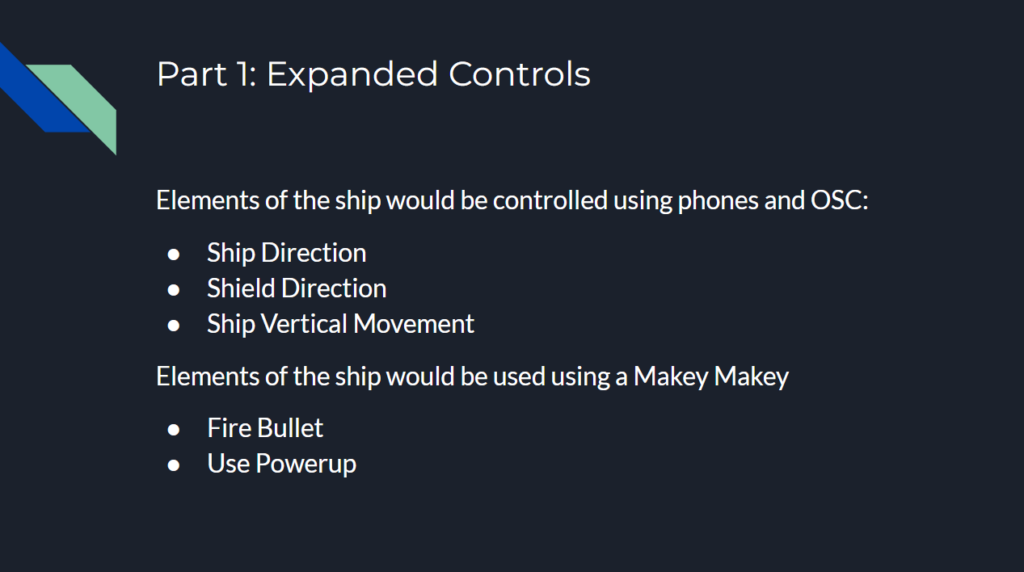
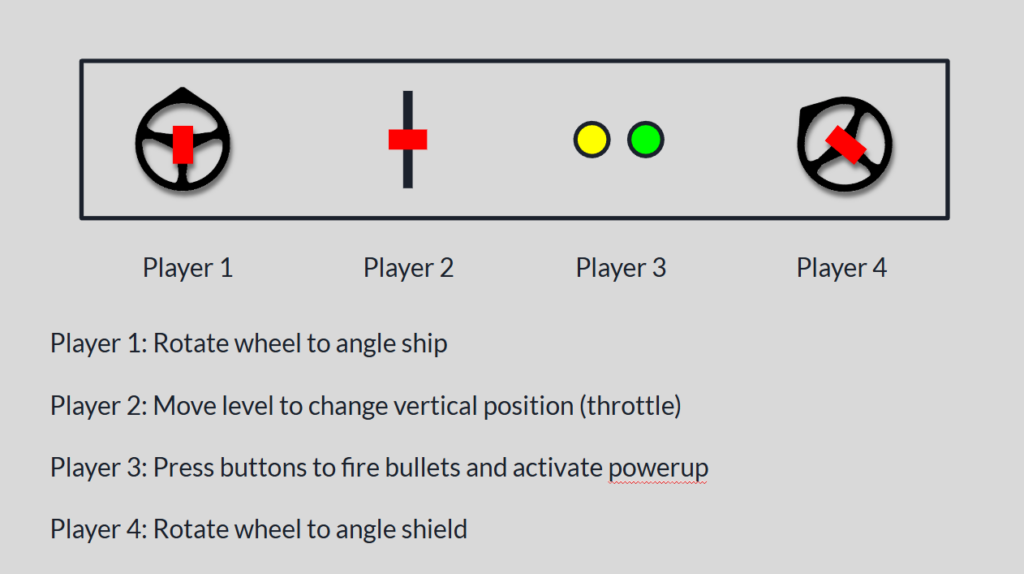
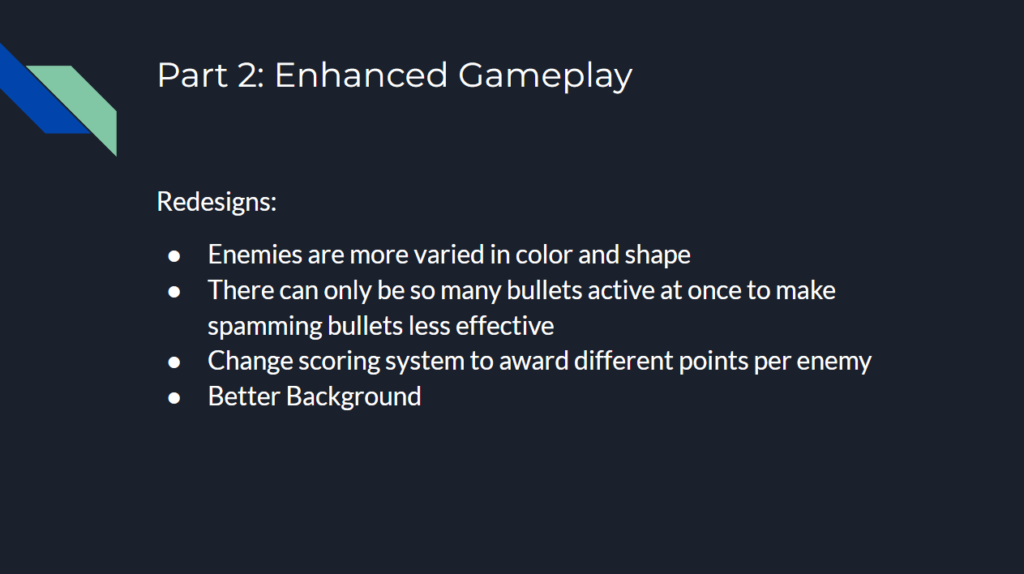
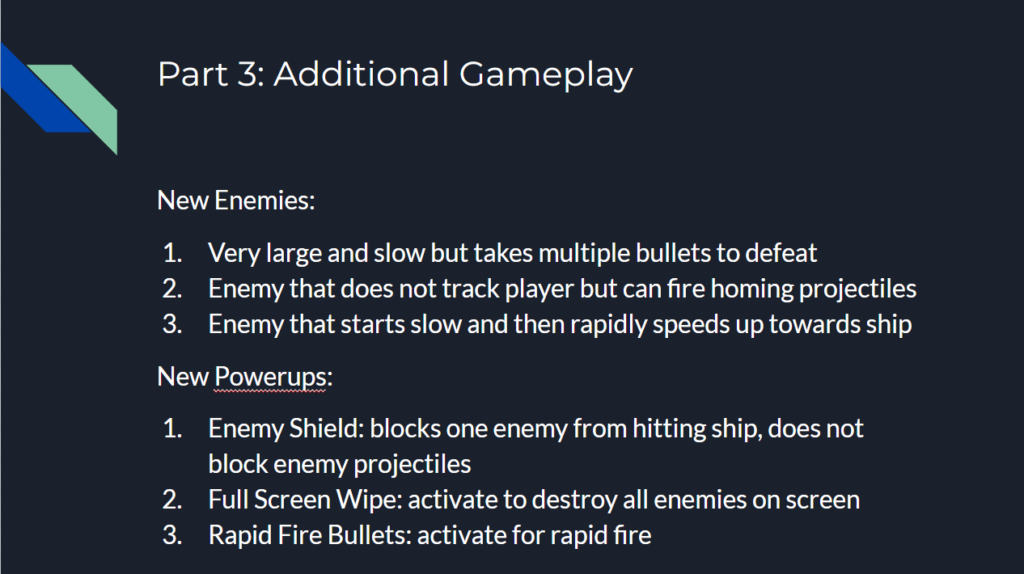
The presentation showed off the expanded control that I wanted to add had I been smarter in handling the end of the semester. The slides of the presentation can be seen below.
I then had an idea to at least have some fun with the presentation. Although I couldn’t implement true OSC controls, I could maybe try to fake some kind of physically controlled game by having people mime out actions and then use the controller and keyboard to make the actions happen in the game!
To my surprise, this actually worked really well! I had two people control the direction of the ship and shield by pointing with their arms, and one person in the middle control the vertical position of the ship with their body. I actually originally was going to have the person controlling the vertical position just point forward and backwards like the other two people, but Alex thought it would be more fun to physically run forwards and backwards. I’m glad he suggested this as it worked great! I used the controller which had the ship and shield direction, and someone else was on the laptop controlling the vertical position. The two of us would watch the people trying to control the ship with their bodies and tried to mimic them in game as accurately as we could. A view of the game as it was being played can be seen below.
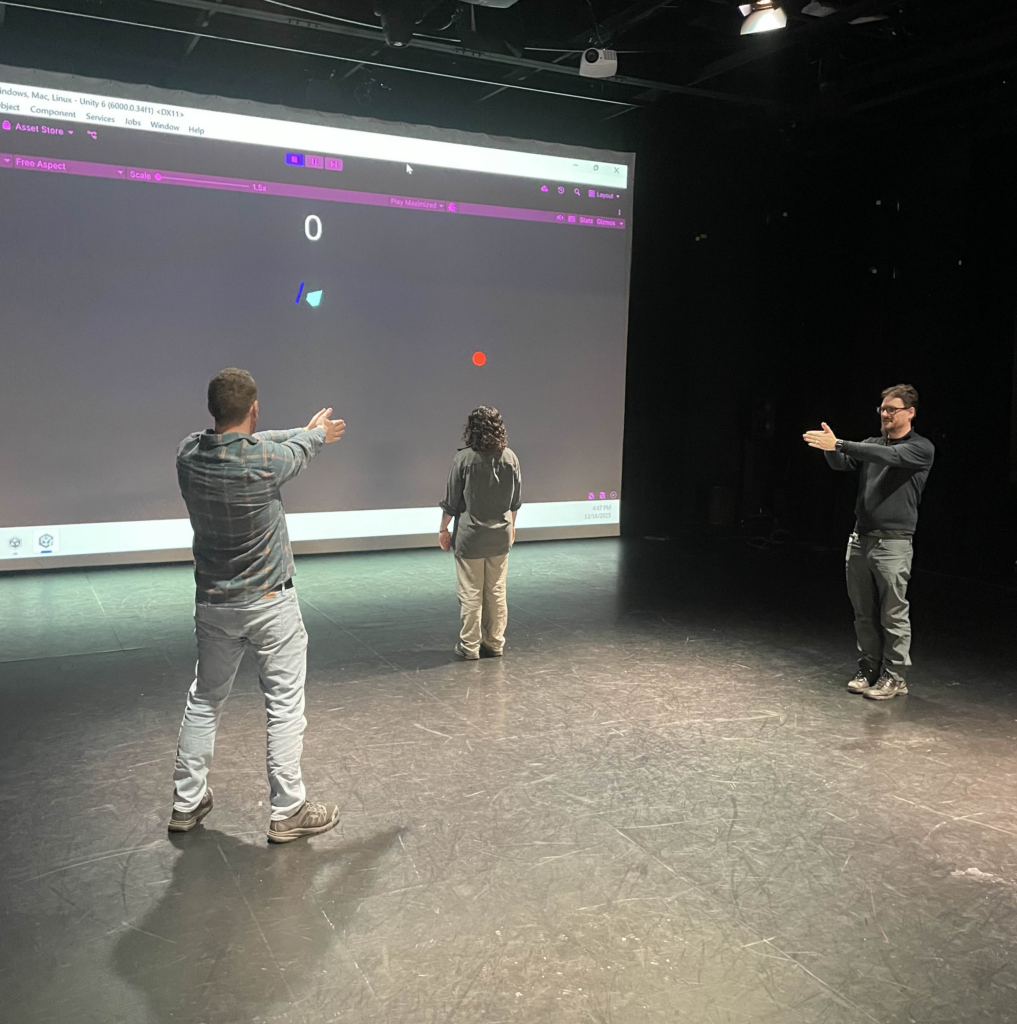
I think everyone had fun participating to a degree although there was one major flaw. I originally had someone yell “shoot!” or “pew!” whenever they wanted a bullet to fire, but this ended up turning into one person just saying the command constantly and it didn’t add much of anything to the experience. I did originally have plans that would have helped in this aspect. For example, I was going to make it so there could only be 2 or 3 bullets on screen at once to make spamming them less effective, or maybe have a longer cooldown on missed shots.
In the end, I had a very good time making this game and I learned a lot in the process. Some of which was design wise but a lot was also planning and time estimating as well!