Pressure Project 1: Tidal Memory: An Audio-Reactive Particle Sea
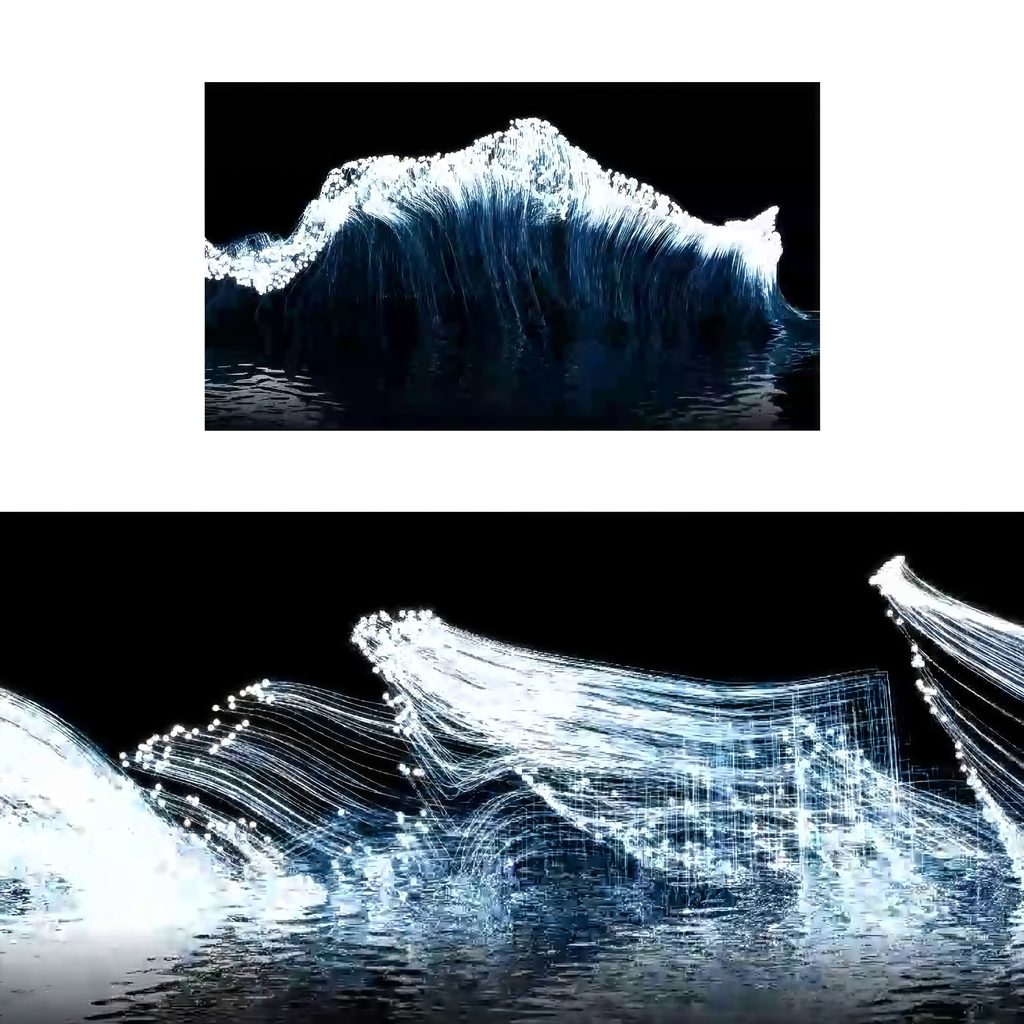
Posted: October 2, 2026 Filed under: Uncategorized Leave a comment »Brief description: Tidal Memory is a self-generating TouchDesigner patch that turns music into shifting white particle waves. The points rise, curl, leave glowing trails, and appear to reflect in moving water.
Process reflection
I approached the five-hour limit by committing to one visual idea: an ocean made from moving points and lines. I used the Bilibili particle wave TouchDesigner tutorial as a starting point, then concentrated on building a version I could run and document. I first established a long wave shaped particle source, then worked on motion and trails. I kept the last part of the session for connecting audio, shaping the reflection, and recording the result.
The patch scatters points over a stretched spherical form and disturbs it with noise. A feedback loop carries the points forward, while animated noise changes their paths. Trail POP records where the moving points have been, drawing fine strands that collect into a crest. Audio analysis turns changes in the music into control signals, so the result follows a rhythm without repeating exactly the same shape each time.
I chose white particles, cool blue highlights and a black background. This limited palette keeps the delicate lines visible. The moving reflection below the wave gives the abstract structure a sense of place. I left out extra text, scenery, and camera effects: within five hours, those additions would have distracted from the central motion and taken time away from testing the patch.
The biggest surprise was how much the trails changed the image. Individual points looked sparse, but their recent paths made the wave feel dense and almost fabric like. The reflection also made the image read more clearly as water. I had to balance energy against legibility: too little movement felt static, while too much obscured the wave’s form.
My main achievement was completing an audio-reactive system and recording a final output that continues to change while it runs. I cannot claim a formal course badge without checking my course record. With more time, I would add a keyboard control to reset or change the wave and test how it responds to several songs.
How the patch works
How are the particles generated? Sphere POP provides the stretched form; Noise POP disturbs it; Sprinkle POP places about 3,000 points on it.
Are the particles “alive”? They keep moving through Feedback POP, but the patch does not specify an individual birth-and-death cycle.
How is the water reflection made? The lake effect network mirrors the image and distorts it with noise to create ripples.
How are the tails made? Trail POP stores recent point positions; Line Metrics and Lookup Attribute POPs shape the visible strands.
Process
2D to 3D particles
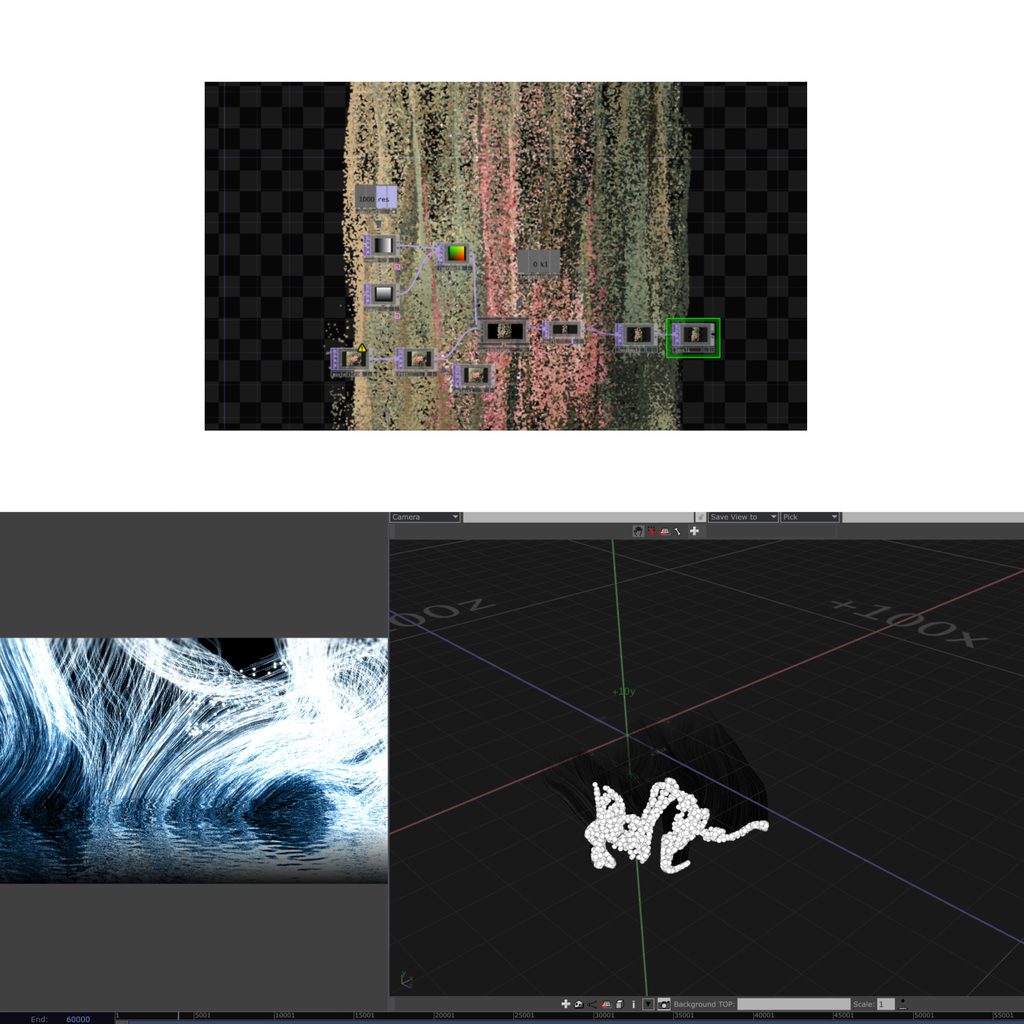
I started with a 2D particle experiment to explore how color, density, and movement could create a flowing image. It helped me understand the basic particle controls, but I wanted the final work to have more depth. After finding the particle-wave TouchDesigner tutorial, I began a second version in 3D. I used a three dimensional form as the particle source, then added noise, feedback, and trails to create a wave that could curl and change over time. Moving from the 2D test to the 3D patch was the main development in my process: the first version taught me how the particles behaved, while the second gave them the sense of space and movement I wanted for the final piece.
Techniques and Acknowledgments
Particle-wave tutorial: “粒子海浪—TouchDesigner教程|音乐可视化 Vol.2.01” by 布鲁斯Qing on Bilibili
Beat-detection tutorial: “A More Accurate Beat Detection—TouchDesigner Tutorial” by bileam tschepe (elekktronaut)
Music: “珠玉” by Shan Yichun (单依纯)
Techniques used: Sphere, Noise, Sprinkle, Feedback, and Trail POPs; audio analysis with CHOPs; mirrored water reflection