Pressure Project 2
Posted: October 4, 2016 Filed under: Uncategorized Leave a comment »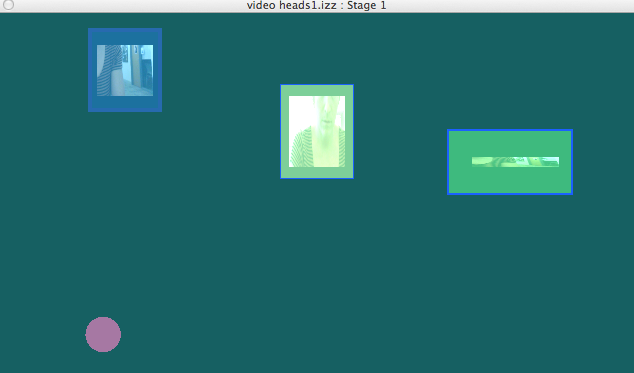
 https://osu.box.com/s/7evtez7zjct0hg2ws4o9g2zlj04mb0qg
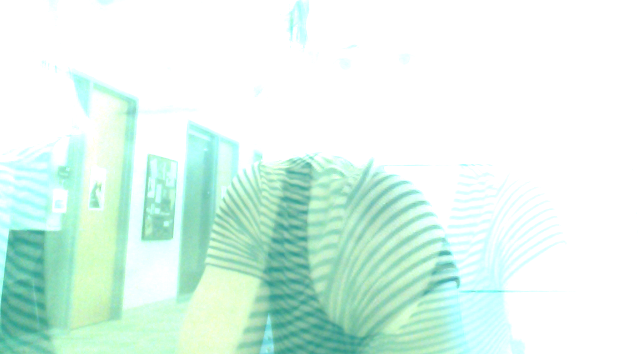
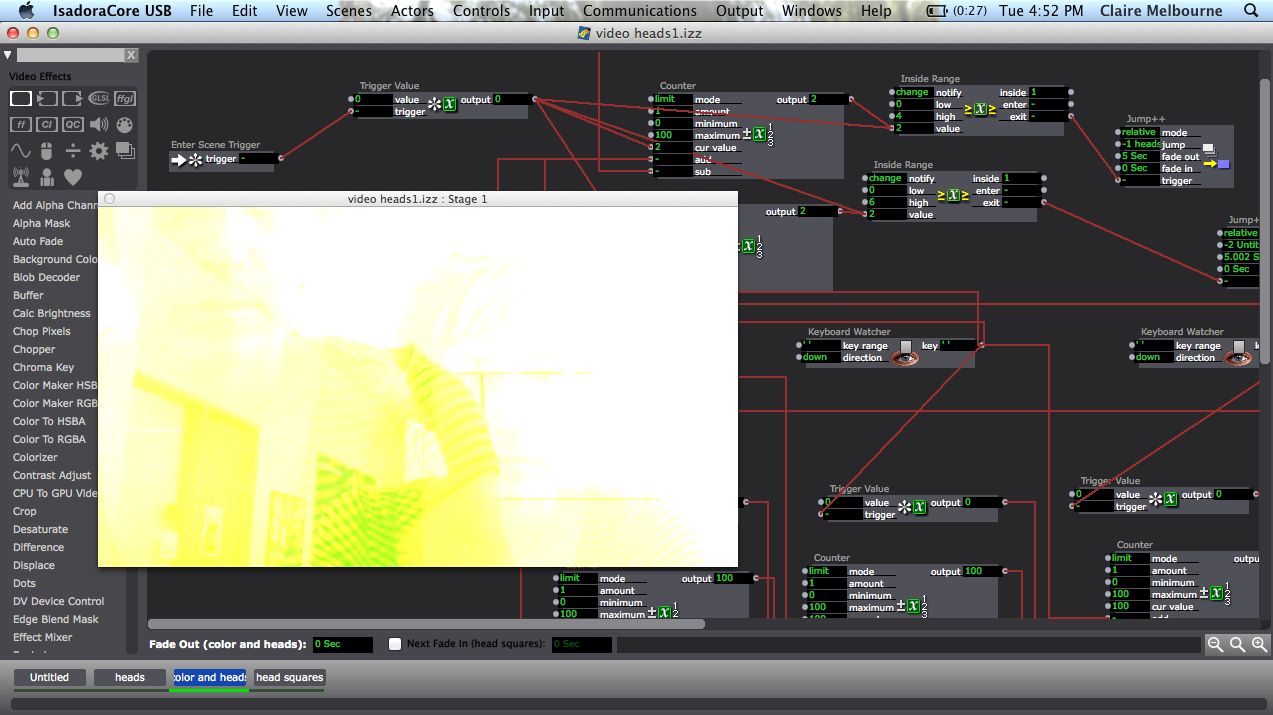
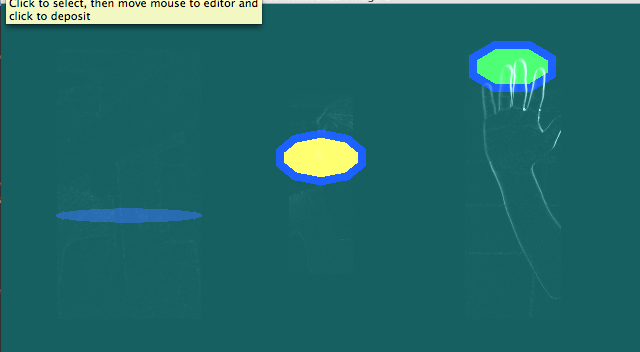
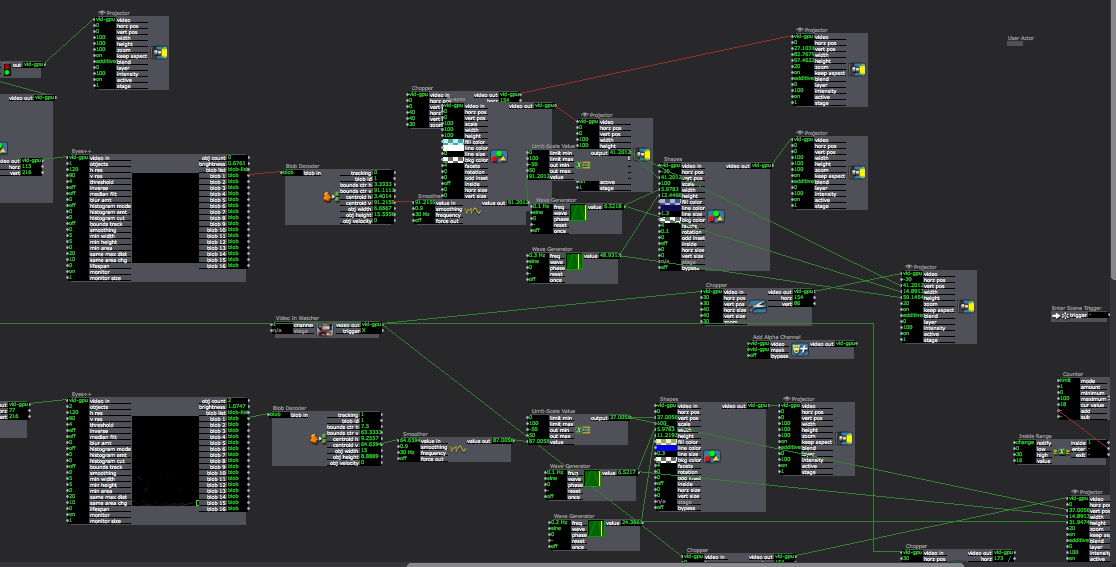
I started with a series of makey makey water buttons as a trigger for sounds and wanting to come up with different sequences of triggering to jump to different scenes. So if you touched the blue bowl of water then the green then yellow twice and then green again, through the calculator and inside range actors, you get moved to another scene. The made up the scenes trying to create variations on the colors and shapes that were part of the first scene, save for one, that was just 3 videos of the person interacting fragmented and layered with no sound. The latter was to make a interruption of sorts. BUT…. in practice, people triggered the water buttons so quickly that scenes didn’t have time to develop and the motion detection and interpretation from some of the scenes (affecting shape location and sound volume), didn’t become part of the experience. Considering now how to provide a frame for those elements to be more immediately explored, to slow people down in engaging with the water bowls whether via text or otherwise AND the possibility of a trigger delay to make time between each action.
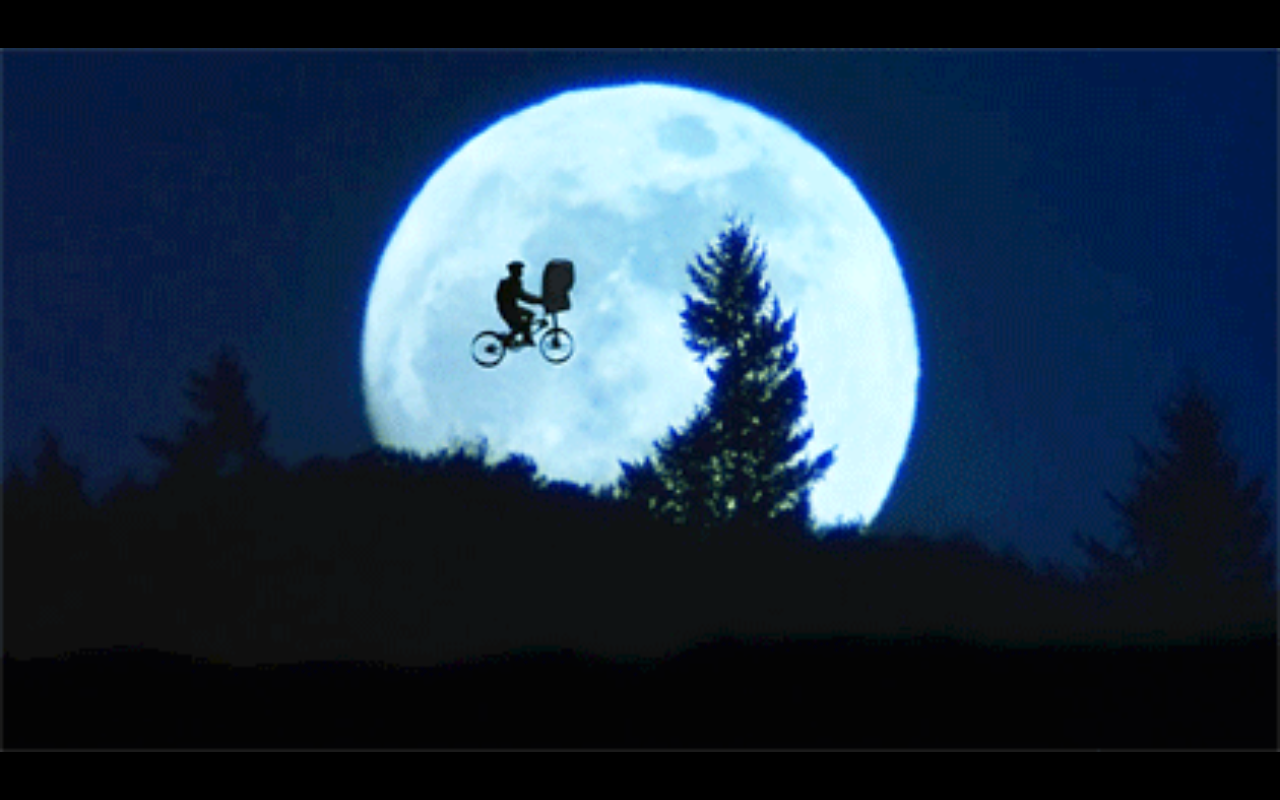
PP2_Taylor__E.T. Touch/Don’t Touch__little green light…
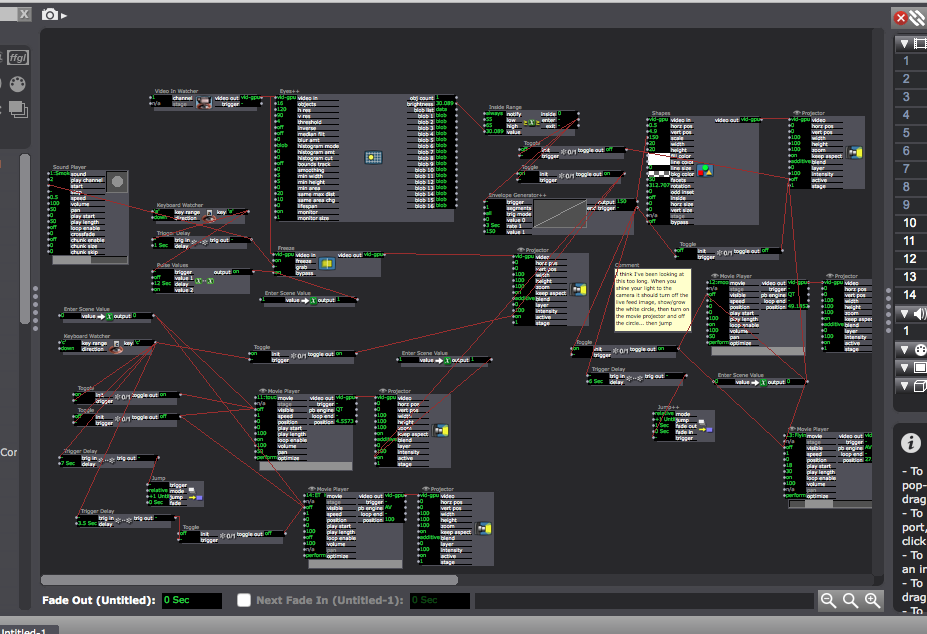
Posted: October 4, 2016 Filed under: Assignments, Pressure Project 2, Taylor Leave a comment »So… I still don’t think my brightness component is firing correctly but feel free to try it out by shining your flashlight at the camera to see if it works for you. pp2-taylor-izz
I felt that the Makey Makey was just as limiting as it was full of possibilities… not the biggest fan, maybe if the cords were longer and grounding simpler (like maybe I could have just made a bracelet)
So, I believe the first response to my system from the peanut gallery was “What happens if you touch them at the same time”… my answer to this, I don’t know… it probably will explode your computer, but feel free to try.
other responses: Alice and wonderland feel, grounding is reminiscent of a birthday hat, voyeuristic — watching the individual interact with the system (and seeing their facial reactions from behind).
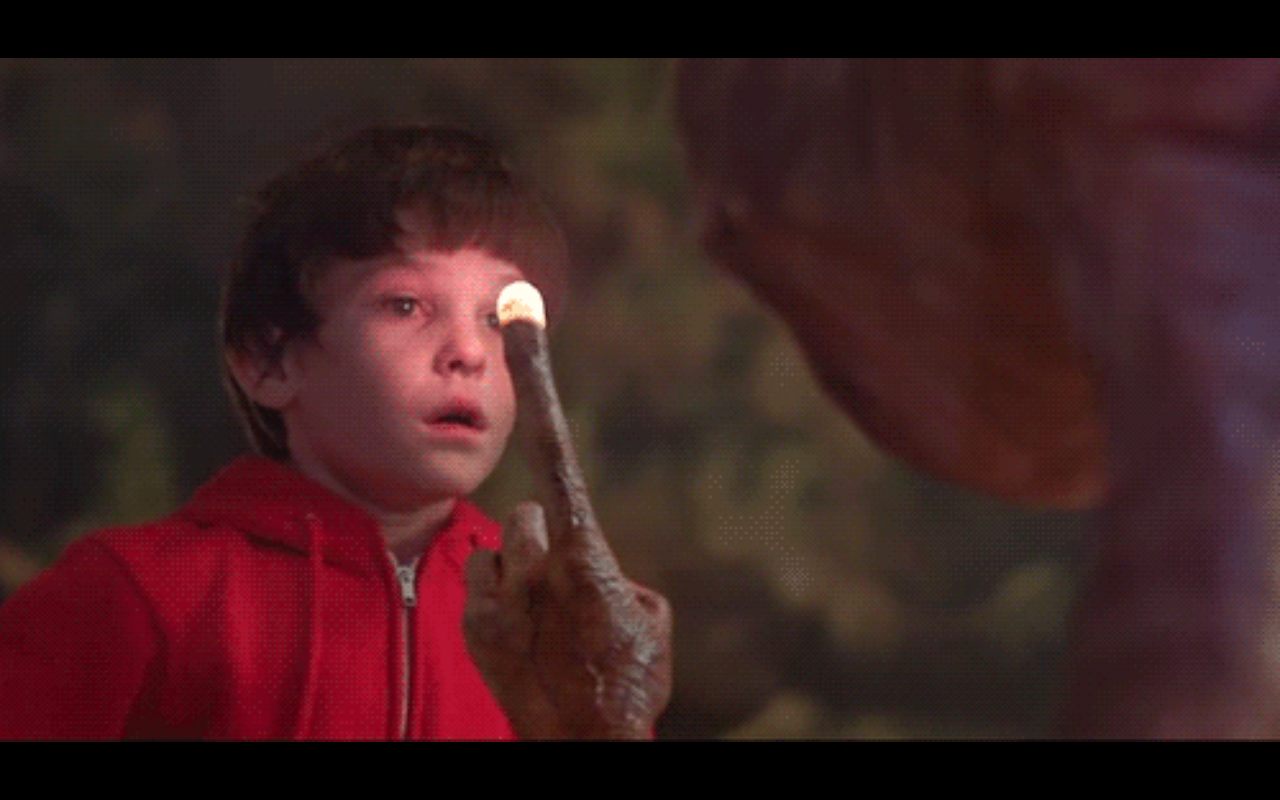
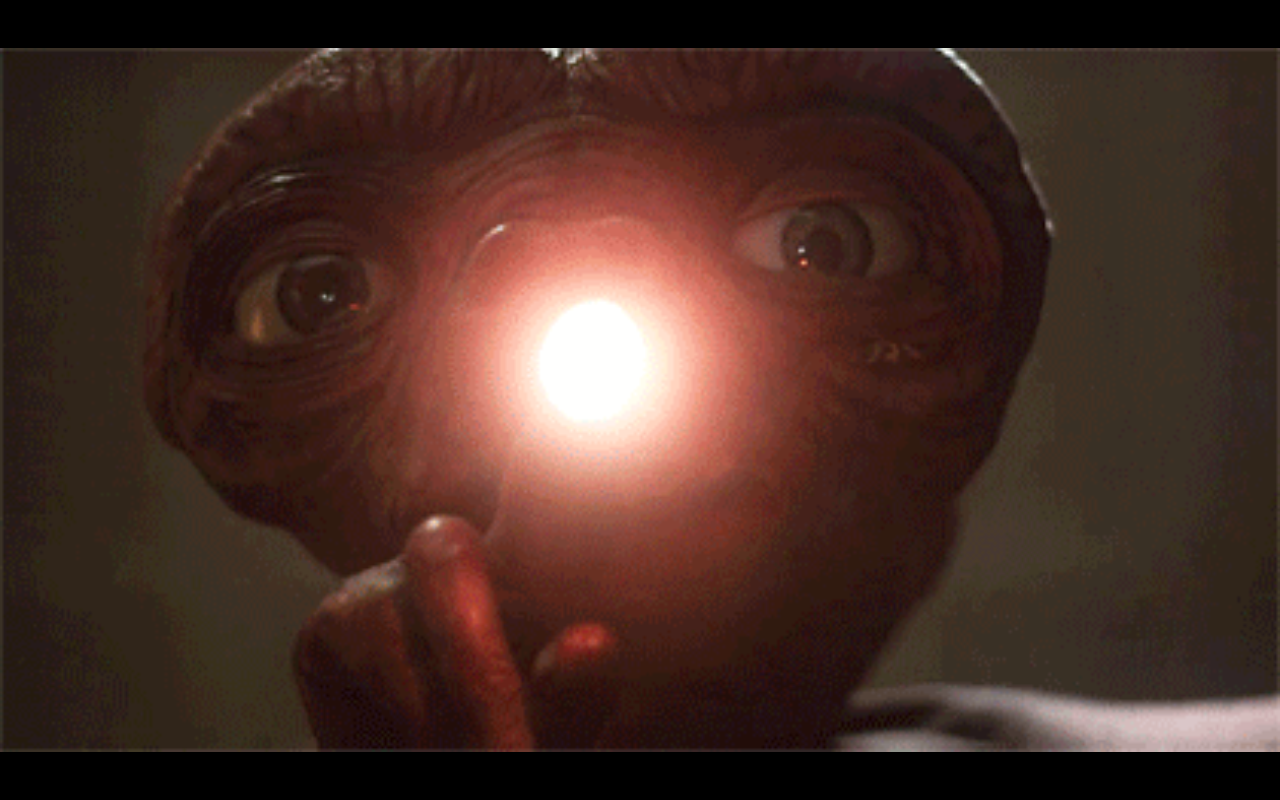
I wonder what reactions would be like if people interacted with it in singular experiences… like just walking up not really knowing anything. I was thinking about the power of the green light, and if this would compel people to follow or break the rules (our class is always just looking to break some shit – oh that’s what it does…what if…). All of the E.T. references came about from me just thinking touch — what’s a cool touch?
And the whole thing was a bastardization of a patch I was working on for my rehearsal… not done yet but here is the beginning of that.pp2-play4pp-izz
Taxonomies
Posted: September 27, 2016 Filed under: Reading Responses 1 Comment »The author uses taxonomication in order to create a framework to diagramize the different variables of interactive performances. Diagrams show the possible connections between different elements and makes it possible to break into steps. The article is a good source to learn about the media usage with key terms in order to distinguish the purpose of different channels
“For example, we might chart the array of interactions associated with a single dramatic function, such as dramatic media or coextensive media; or, alternatively, we may sort the interactions according to time and space and treat dramatic function as a subsidiary variable. The taxonomy is entirely nonhierarchical. No combination of variables is more fundamental than any other, and none of the variables or perspectives is privileged.” (pp. 123)
The taxonomy provides a clarification to finalize the endless possibilities of interaction. Therefore, it is possible to define the hierarchy of variables, in order to break the work into steps. Also the role of the audience (and performer) within the work can be defined in various ways.
Use of media as an autonomous object or instrument is a choice of the designer. Being aware of the distinction between the channels and consideration of time and space brings an advanced level of consciousness to work.
Meta EVERYTHING – Performance and Media Taxonomy
Posted: September 27, 2016 Filed under: Uncategorized Leave a comment »I wanted to share a video with you all! A virtual reality researcher recorded himself with Kinects interacting with a computer program, entered that recording in the present, and interacted with what his past self was creating. The interaction is a here / there / virtual, now / then, and actor / prop / mirror / costume all bundled into one! It’s fascinating and I hope you all enjoy 🙂
Cheers,
Peter
Pressure Project 2
Posted: September 23, 2016 Filed under: Alex Oliszewski, Announcements, Pressure Project 2 Leave a comment »Take the same constraints from PP1 and add the following to the mix.
The generative experience should be intended for an individual.
The experience must include sound.
The experience must include a physical interface.
Please refer to PP1 to insure to include those details as well.
-Alex
Just Another Thing #2
Posted: September 22, 2016 Filed under: Uncategorized Leave a comment »I refound this today and though it is a bit old I re-fell in love. The Wilderness Downtown is not quite AR but not not AR. There is a magic in seeing things that are part of you on a screen, it somehow validates one’s experience as a human. A frame adds worth, which explains the grandiose self-portrait or even the home film. Anyways,
Anyways, so then I looked Chris milk up and found a TED talk (because there is a TED talk on everything). The talk is basically an exploration of his artistic trajectory. But he also talks about VR film and some fairly compelling storytelling applications.
VR and Taxonomy
Posted: September 22, 2016 Filed under: Uncategorized Leave a comment »The reading feels very pertinent to our feel at this point in time. Mixed media/multimedia/ new media is entering a level of popularity but literacy or even a concise lexicon has not entered the mainstream. This is a highly apparent when I had to write my resume this week. Am I a new media artist a digital systems designer, what? The reason I think that describing our art is that the processes are not apparent. When the painter paints there’s a one-to-one relationship between the active steering paint onto canvas and the act of seeing the paint that is been smeared. The reading makes a good point about the categorization but does not necessarily take into Account the viewers respectability of the process through the product.
As for the video on optical illusion and VR I found it very interesting but was not entirely sure what to take away from it.
I knew exactly what to take away from the AR video but was not sure I wanted to take it.
Finally, This week I started reading ready player one or rather listening to it so that I can actually function. The world it lays forward is super interesting. The physical plays second fiddle to virtual Space.
Peter’s Popping Pressure Project (1)
Posted: September 22, 2016 Filed under: Pressure Project I Leave a comment »For my first pressure project, I wanted to explore a sort of gameified concept. This project has two main components to it – popping digital bubbles by moving within their volume (this component is shown in the attached video – sorry it’s sideways!), and experiencing yourself via a third-person perspective (not in the video, but experienced in class).
My inspiration for the latter aspect of the experience came from staying up until 5am one night whilst demonstrating VR to friends from my dorm. We ended up streaming local video calls into the head mounted display, and were able to watch ourselves walk through the environment from a fixed perspective. I found it profound how quickly my mind associated with my third-person self and how different the experience is when navigating a space in such a way. I wanted to use that idea and make it accessible to everyone, so my solution was to have the computer’s camera at a different location from that of the screen, and encourage the users to conceptualize fine motor skills from this new perspective.
And that leads into the former means of interaction – popping bubbles. The bubbles both function as an encouragement to move about the space, as well as a curiosity to learn how we as participants can effect them. Their mechanic is they spawn in at random locations on the screen (faster if there is no motion in the environment), and the bubbles will pop once a user collides with a bubble (as seen from the camera’s perspective). To add curiosity and engage more senses, I caused the bubbles to play a MIDI sound each time they are popped, whose pitch is determined by the total motion within the camera’s field of view.
This system was achieved through clipping the incoming video signals into small portions, then dividing them apart into a 10 x 10 array. That array then detects motion within each 1 x 1 grid component, and will pop a bubble if there is enough motion and a bubble is present in that coordinate.
It was very enjoyable to observe everyone interact with this system; similar to how we stepped back and observed the workings of our “Conwy’s Game of Life” experience in the Motion Lab, taking the time to simply observe the users instead of their associated video makes the experience truly feel performative. The rules set forth by this patch caused users to move delicately as well as chaotically, in attempts to discover what the system’s rules are. I found it interesting that many users did not associate the popping of bubbles with their movements, as well associate the playing of audio when bubbles are popped, until 2 – 4 minutes into the experience (however seeing as I was the one who designed the system, I was quite blind to how it would look for a first-timer). Overall this project was very fun, and I enjoy seeing how everyone interacted with these different systems!
pp1 <– Isadora patch
Pressure Project 1 __ Taylor
Posted: September 22, 2016 Filed under: Assignments, Isadora, Pressure Project I, Reading Responses, Taylor | Tags: #frogger:) Leave a comment »Under Pressure, dun dun dun dadah dun dun
Alright… so I got super frustrated fiddling around in Isadora and my system ended up being what I learned from my failures in the first go round. Which was nice because I was able to plan based on what I couldn’t and didn’t want to do, leading me to make simpler choices. It seemed like everyone was enthusiastically trying to grok how to interact with the system. It felt like it kept everyone entertained and pretty engaged for more than 3 minutes. ? Some of the physical responses to my system were getting up on the feet, flailing about, moving left to right and using the depth of the space, clapping, whistling, and waving. Some of the aesthetic responses to my system were that the image reminded them of a microscope or a city. I tried to use slightly random and short intervals of time between scenes and build off of simple rules and random generators (and slight variations of the like), in an attempt to distract the brain away from connecting the pattern. For a time it seemed this proved successful, but after many cycles and finding out the complexities were more perceived than programmed enthusiasm waned. I really enjoyed this project and the ideas of scoring and iterations that accompanied it.
Actors I jotted down, that I liked in others processes: {user input/output/ create inside user actor}{counter/certain#of things can trigger}{alpha channel/ alpha mask}{chroma keying/ color tracking}{motion blur / can create pathways with rate of decay ? }{gate / can turn things on/off}{trigger value}
Reading things:
media object- representation
interaction, character, performer
scene, prop, Actor, costume, and mirror
space & time | here, there, or virtual / now or then
location anchored to media (aural possibilities), instrumental relationship, autonomous agent/ responsive, merging to define identity (cyborg tech), “the medium not only reflects back, but also refracts what is given” (love this). “The interplay between dramatic function / space / time is the real power — expansive range of performative possibilities …< <107/8ish.. maybe>>
Pressure Project 1
Posted: September 20, 2016 Filed under: Pressure Project I Leave a comment »Pressure Project 1:
1. I aimed to control the jump between the scenes by using camera feed, also arranged auto jumps by using trigger delay. The sudden jumps between the scenes created a playfulness and unpredictability. The jump from first to second scene is controlled by the movement. After the triangle is pushed to upper part of the scene with the movement feed the scene jumps to next one.
2. I used the sound watcher to control the density of the explode filter.
3. There are two different colorizers in two different scenes. First one is controlled by the wave generator, second one is controlled by the movement and camera feed.
4. There is an animation in loop on the 4th scene, based on the horizontal movement of the viewer the colors change between cyan and magenta or yellow and purple.
5. Last scene is controlled by color. By using chromakey object I paired up a cyan square to blue chromakey and yellow square to yellow chromakey object. Therefore, each square follows the object it’s pair (blue object movement controls blue square, yellow object movement controls the yellow object.)
Very helpful assignment, I learned a lot about interactivity. Also, It is fun to watch the contribution of the classmates, it carries the project to a different level.karaca_pp1-izz